

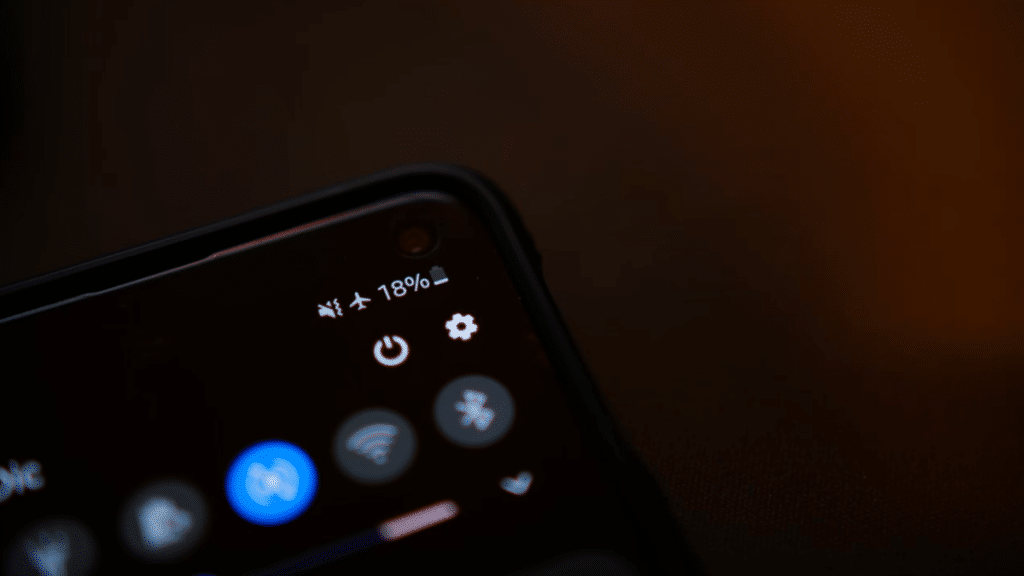
All of you may have heard of “Airplane mode” and used the setting many times. Today, let’s learn what airplane mode really is, and why it is called airplane mode. Also, we will cover other cases where airplane mode is used, other than in airplanes.
What is airplane mode?
“Airplane mode” is a setting on mobile phones that turns off all wireless communication. When you turn airplane mode on, your phone will disconnect from cellular networks, Wi-Fi, Bluetooth, and any other wireless connections. When airplane mode is turned on, you can’t make phone calls, send text messages, or use the internet. However, you can still use functions and features that don’t require a connection. For example, taking photos, playing in-app games, and listening to downloaded music.
The reason the setting is called “airplane mode” is that many airlines require passengers to turn off electronic devices or switch them to airplane mode during takeoff and landing. This is because the signals emitted by electronic devices can potentially interfere with the aircraft’s communication and navigation systems. However, once the plane is at cruising altitude, passengers are often allowed to turn their devices back on in airplane mode, which allows them to use certain features (like games or music) without risking interference.
How should I use my phone when I go on an international trip?
Going on an international trip can be exciting, but it’s important to be aware of how you are going to use your phone in a different country. Here are some tips to help you use your phone while traveling internationally:
- Check with your mobile service provider before you leave to see if your phone is carrier-locked. If it is, you won’t be able to use local SIM cards or eSIMs, which can make things difficult.
- Consider getting a local SIM card or eSIM for your internet connection at your travel destination. This is a cost-effective way to use your phone in another country, as you’ll be using a local carrier’s network instead of your home carrier’s. To buy local eSIM cards, visit eSIM USA and eSIM Europe.
- Turn on airplane mode during your flight to avoid roaming charges, and only turn it off once you’ve arrived at your destination.
When do we use Airplane mode other than in flight?
Here are some common reasons why people use airplane mode on their mobile phones:
- To comply with airline regulations during takeoff and landing
- To avoid interrupting a performance or presentation (e.g. in a theater or conference)
- To save battery life when not actively using the phone
- To reduce distractions and increase focus during work or study
- To avoid unwanted phone calls or messages
- To protect sensitive equipment from interference (e.g. in a hospital or laboratory)
Overall, airplane mode is very useful, helping you stay focused, save battery life, and comply with certain regulations or requirements.